
Turn Any Agentforce Agent into a Voice Agent (Agent Script)
About this video
Turn a text Agentforce agent built in Agent Script into a voice agent on Agentforce Voice — add the language, connection telephony, and modality voice blocks, pick a voice in Agentforce Builder, rewrite the instructions for a listener, and repair mis-transcribed tech terms (when "async" comes through as "a sink").
Resources
Transcript
Async vs. “a sink”
A user says “async.” The transcription writes “a sink.” A voice agent has to answer the right question anyway, and by the end of this video, yours will.
I’m going to take a plain text agent built in Agent Script and turn it into a voice agent running over Agentforce Voice, the platform feature that lets an Agentforce agent hold a spoken conversation. It’s three blocks of configuration and one change in how you write the instructions, including the trick that handles that mangled “a sink.” I’ll use one sample agent as the example, but the steps are the same for any agent you’ve already built. Let’s give it a voice.
Demo: the finished voice agent
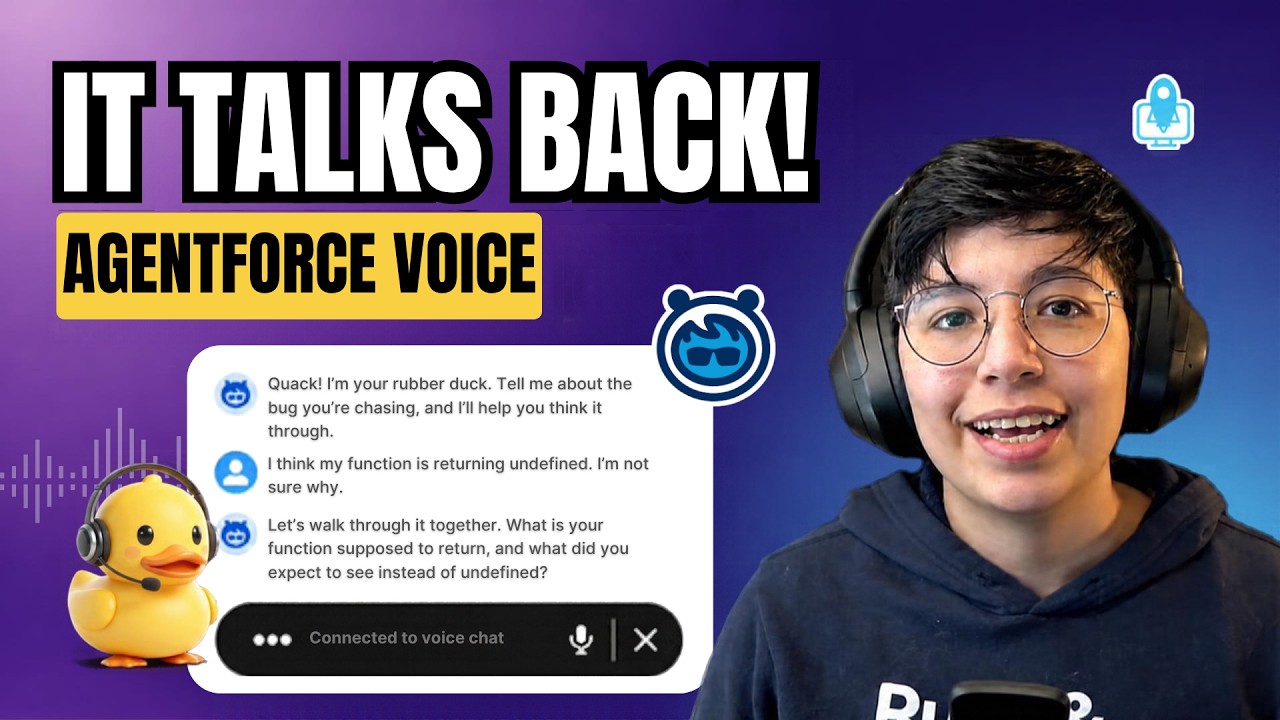
So, here’s where we’re headed. This is the finished voice agent, and I’m just going to talk to it: “I think my function is returning undefined, and I’m not sure why.”
The agent answers out loud: “Let’s walk through it together. What is your function supposed to return, and what did you expect to see instead of undefined?”
As you can see, this is a rubber duck debugging agent. I described the bug out loud, and it answered out loud with a question back to me to help me find it.
Start from a text agent
Let’s build it from a plain text agent. This is my Rubber Duck Debugger as a chat agent only —
treat it as a stand-in for whatever you’ve built. It’s an ordinary text agent: a system block
that sets the persona, and a subagent (one focused conversation mode) that handles the talking.
Nothing in here is voice-specific yet, so let’s add it. We’ll go one block at a time so you can see
exactly what each one does.
Block 1: language
First, the language block, setting default_locale to en_US. Voice mode only supports certain
locales, so pinning one here keeps the agent from falling back to an org default that might not
work.
Block 2: connection telephony
Next, the connection telephony block, with adaptive_response_allowed set to True. This is the
piece that actually wires the agent to a voice channel. It’s what turns a chat agent into a voice
agent — leave it out and nothing speaks.
Block 3: modality voice
And last, the modality voice block. This is the one that gives the agent an actual voice: which
voice it uses and how that voice sounds. Watch the Explorer on the left. The moment I add it, a
Voice Settings node appears. That’s the visual side of this block, and it’s where we’ll choose a
voice.
Choose a voice in Agentforce Builder
Let’s go to the Canvas and choose the voice settings in the Builder. Here’s the persona picker. There are plenty of voices, each with its own character, and for each one you get the details — gender, age, language, accent, and style — so you know what it’ll sound like before you commit.
When I pick a voice here, the Builder has an ID for it. That ID is exactly what ends up in the
script as voice_id. So this is where the ID comes from: you don’t memorize it. You choose the
voice here, and the Builder gives you the ID.
Now let’s hear it. I’ll press play on the preview message: “Hello, I’m an AI agent. How can I help you?”
If you scroll down, there’s an Advanced panel with finer controls: voice tuning, a pronunciation dictionary, and keyword boosting. I won’t dig into it here, but it’s there when you need it.
Back in the script, there’s the block, filled in. The voice_id is the voice I just picked in the
Builder, and the other three settings are how it sounds. These are my values, but you can modify
yours as you see fit. That’s the configuration done.
Rewrite the instructions for a listener
But hearing it also shows you the second job: the words themselves. Let’s put both sets of instructions side by side so we can compare them. On the left is the text version; on the right is the spoken one.
A reply read aloud follows different rules than one read on screen, so the spoken-style instructions change in a few concrete ways:
- Keep replies short and easy to follow by ear, in full sentences, because the listener can’t reread them.
- Never read code or markdown out loud.
- Say symbols in words — for example, “index plus plus” for
i++.
Same agent, same persona. The only thing that changed is that the instructions now assume a listener, not a reader.
Repair mis-transcribed tech terms
There’s one more line worth calling out, and it’s the one that’s easy to skip. When a user speaks, their words don’t reach the agent as audio. They reach it as a speech-to-text transcription, and that transcription isn’t always perfect.
Technical vocabulary is the first thing to slip: “async” can come through as “a sink,” “cache” as “cash,” “regex” as “rejects.” So this line tells the agent to expect that noise and quietly reinterpret obvious mishears in a debugging context.
It’s insurance. Most of the time the transcript is fine, but when a term does get garbled, the agent recovers instead of getting tripped up by it. That one instruction is what lets it hold a real conversation.
Recap
So that’s the whole method. To give any Agent Script agent a voice, add the language,
connection telephony, and modality voice blocks. Then rewrite the instructions for a listener,
and tell the agent to repair mistranscribed terms.
If this helped, subscribe for more Agentforce and Agent Script walkthroughs. And if you want to see what else you can build in Agent Script, the Agent Script recipes repo linked below is a good place to go.