
Handling 404 Errors in MuleSoft's Anypoint Code Builder (ACB) | Choice + Raise Error (Part 5)
About this video
Add robust error handling to your ACB API: use the Choice router and Raise Error to return clean 404 responses when a resource is not found.
Resources
Transcript
Intro
Our application is running, my MySQL container is running, and I’m connected to the database locally. Let’s open Postman, check get all tasks, and make sure there are no tasks right now.
We already had the happy path working from previous videos, but let’s double-check. Create a new
task with title “be awesome” → created with ID 15. Get all tasks → ID 15, “be awesome”, completed
false. Get task 15 → 200 OK, “be awesome”, completed false. Update task 15 with completed true →
200, “be awesome”, completed true; the previous get now shows true. Delete task 15 → 204 No Content, literally no content. So the happy path works.
The problem was when we used an ID that didn’t exist and still got a 200 OK or 204 — that’s
what we’re fixing in this video. I’ve already modified the code; let me guide you through it. Now,
trying to get task 15 (which I deleted) returns 404 Not Found, message “task not found”. Same for
the update (404, “task not found”) and the delete (404, “task not found”).
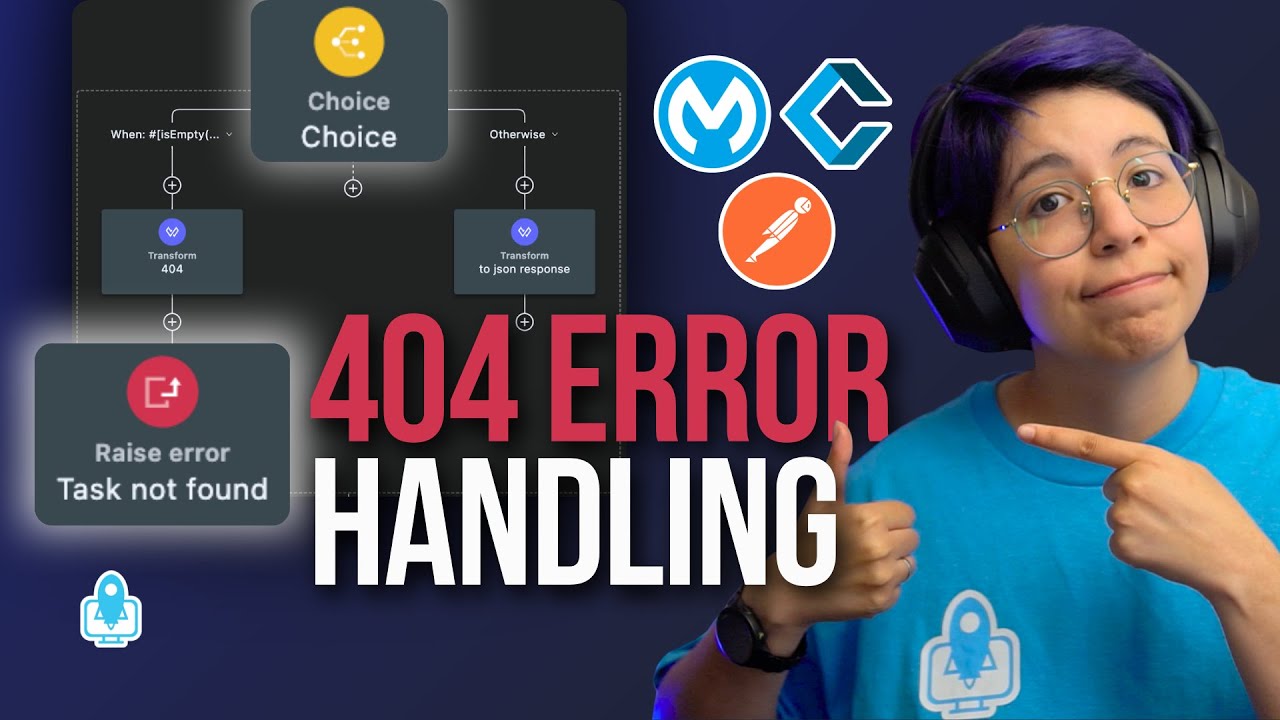
The shared global flow: select → Choice → Raise Error
In summary, we added a Raise Error component to make this work. Remember from the previous
video that global.xml used to have two flows; now it has just one. When execution arrives, it
first goes to a transform message to retrieve the task ID, using task-id-uri-param.dwl:
%dw 2.0
output application/java
---
{
  taskId: vars.taskId.taskId default attributes.uriParams.taskId
}
We first check whether a taskId variable already exists — if it does, use it (don’t replace it);
if not, get it from attributes.uriParams.taskId. The attributes path is used by the get and
the delete. The update is special: we call this flow twice — once to confirm the task
exists (using the URI params), and a second time to retrieve the updated value (using the
variable, because by then the attributes are gone). That’s why we prefer the variable when it’s
present.
After the DataWeave, we run the select:
SELECT * FROM tasks WHERE id = :taskIdsending vars.taskId as the input parameters. Then a Choice router:
- When the payload is empty (the select returned nothing — the task doesn’t exist), do the
404path. - Otherwise, run the transform message that maps the result to the JSON response format.
In the 404 path, the transform message sets the payload to the “task not found” message in JSON
and sets a httpStatus variable to 404. (This should look familiar — the scaffolded main flow,
todo-api-impl, does the same thing inside its on-error-propagate handlers for bad request,
unsupported media type 415, 406, 405, etc.) There’s currently a UI bug that hides the variable, so
I show it via the XML. After setting that up, we Raise Error.
The error type doesn’t really matter here because we don’t have a global error-handler element
configured for it — but if you later need to handle a specific type with on-error-continue or
on-error-propagate, make sure you know the type you’re raising. For this case I just want to
raise the error so it stops the flow and doesn’t continue. So this global flow simply checks
whether the task exists: if yes, put it in JSON; if no, raise an error and don’t continue.
Get task by ID
This is the simplest one — it just runs the flow reference to the global flow. Nothing else.
Delete
First it checks whether the task ID exists (via the global check); if it does, continue, if not, raise an error and stop. Then:
DELETE FROM tasks WHERE id = :taskIdusing the taskId variable.
Update (the tricky one)
The update first sets up the task input (the payload for the SQL update via
create-task-input.dwl). The problem: the global flow reference does a full get-task-by-ID, which
replaces the payload — so by the time we reach the update, it would use the wrong data.
To fix that, on the flow reference go to Advanced and save the payload into a beforeUpdate
target variable. Now, because the global flow also creates the taskId variable internally and it
flows out, we reference vars.beforeUpdate instead of taskId. So in create-task-input.dwl the
ID comes from vars.beforeUpdate.id default payload.id (the latter for the rare case there’s a
payload ID).
After it builds the Java payload, it runs the update (SET title = ... WHERE id = :id, the ID
taken from this payload). Once updated, we get back something like “updated rows: 1”. Then we need
the actual saved task, so we run the get task by ID global flow again — and this is the moment
from the intro: there are no attributes anymore, so the DataWeave falls back to the
beforeUpdate variable to find the ID. It retrieves the task, outputs JSON, and returns it.
Wrap-up
In summary: in the flow everyone calls, we do a select; if nothing is returned we send a 404,
raise the error, and stop; if found, we transform Java → JSON and return it. Once you send the
404, Postman automatically knows it means “not found” — you just set the httpStatus to 404 and
the message to “task not found”.
Let me know if you want videos demystifying error handling — on-error-continue vs.
on-error-propagate — in ACB (I don’t do Studio anymore). Drop a comment with what you want, or
any other content you’d like. That pretty much ends the whole to-do app implementation for this
use case. I can add more — separating the API into experience, process, and system layers, for
example. I’m happy to help you understand whatever you need from ACB. Have a great day, and I’ll
see you in the next video. Bye!
More from Learn Anypoint Code Builder (ACB)
- Why You Should Start Using Anypoint Code Builder (Even If You Love Studio)
- Getting Started with MuleSoft Anypoint Code Builder (ACB) in VS Code | Beginner Setup + Hello World
- How to Design a REST API in Anypoint Code Builder (OpenAPI + VS Code + Exchange) (Part 1)
- Scaffold an API Spec in Anypoint Code Builder (ACB) + VS Code Project Tour & Tips (Part 2)