
Generating an OAS API Spec with CurieTech AI | MuleSoft API Designer (Part 1)
About this video
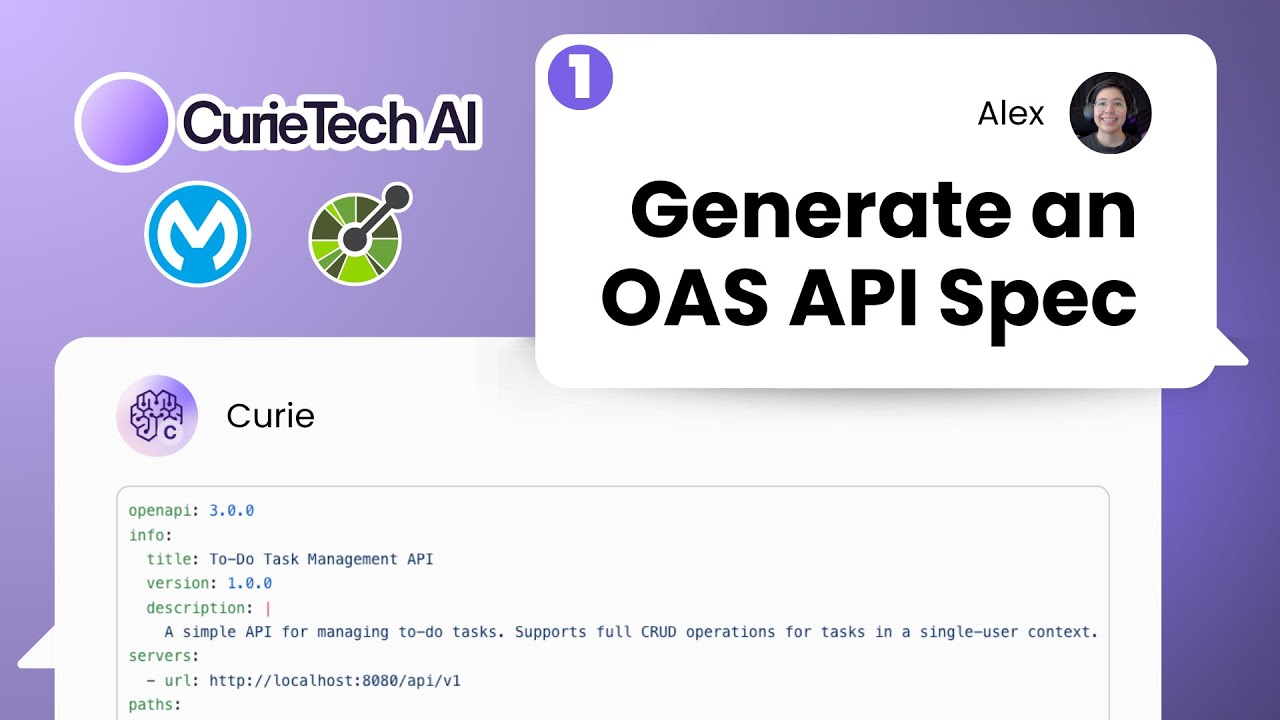
Let CurieTech AI generate an OpenAPI (OAS) spec for a To-Do Task Management API, then refine it in API Designer.
Resources
Transcript
Intro
Hi, I’m Alex. You might be familiar with me because I did the whole MuleSoft from Start series. So it’s kind of time to redo that, but better. I was thinking: what better technology to do that with than CurieTech AI? This is awesome. Let’s learn how to develop a whole Mule application from scratch, but now using AI — and this time using CurieTech AI. I’m going to use the same use case as before, which was the to-do task management application. Let’s get started.
Generating the first OAS spec
Here I am in CurieTech AI. Let’s press on API Spec Generator, and in this case I’m going to select OAS 3. I normally do it in RAML, but let’s keep up with the times.
Let’s start with something simple: “Create a to-do task management application API spec. Make sure to include all CRUD operations for the tasks.” Now it’s going to ask a few questions to make sure it got it right:
- Do you want the specification in YAML or JSON? → YAML.
- Should tasks be associated with users, or is it a simple single-user task list? → Simple single-user task list.
- Do you require authentication? → For now, no.
- Any specific fields you want for a task? It suggested title, description, due date, status, priority. → Let’s just say title, description, due date, and status.
- Should there be support for filtering or searching tasks? → Yes.
Let’s provide those details and see what it does. Because we’re testing this on an AI, your results might be slightly different from mine — that’s okay. I’ll show you what we should all have in order to continue. This is also great because it makes you think about how you want it, instead of just copy-pasting everything I did.
Reviewing the generated paths
Let’s take a quick look. We have /tasks GET, and it receives query parameters so we can
filter by status or by due date. The response will be of type task. Then we have the POST to
create a new task — it takes a taskCreate and returns a task.
Then we have /tasks/{taskId}. We have a GET, with a path parameter for the task ID, returning
a task. Then the PUT, again with the task ID path parameter, taking a taskUpdate. And the
DELETE, which just deletes by ID and returns nothing — a 204 response.
The PUT and GET were returning a 200, but let me give it some feedback: “Make sure you’re using RESTful best practices.” It fixed the status codes — 200, 201, 204.
So now: getting all the tasks returns 200 with an array of task. We still have the filters for
status and due date. The POST takes taskCreate and returns a task with a 201. Then
/tasks/{taskId} GET returns a task with a 200, plus a 404 task not found. The PUT takes
the task ID path param and a taskUpdate, returning a task with a 200, or a 404. DELETE takes
the task ID and responds with 204 or 404.
Refining the schemas
Now the component schemas. We have task with id, title, description, due date, and status —
required are id, title, and status. That’s correct. Then taskCreate for the POST: title,
description, due date, status — required are title and status. Note the status is set as
pending, in progress, or completed.
Then we have taskUpdate, which I feel is redundant because it’s the same as taskCreate. So
let’s give it more feedback: “taskCreate and taskUpdate are redundant because they’re doing
the same thing — please use only one. Change the status to be completed and make it a boolean.
Default value should be false.”
Now the POST is a taskInput and the PUT is also a taskInput. Good. We have completed as a
boolean, default false, example false; required are id, title, and completed. And taskInput
has completed boolean, default false, example false; required title and completed. Perfect.
One more thing I know is going to be an issue: the quotes. So I’ll tell it: “The example value shouldn’t have quotes, because it’ll cause issues with the preview in API Console.” You wouldn’t know this — there’s no need for you to know it. I just know it from doing this a lot of times. Now all the examples are plain text. The id might cause issues too, but we’ll see when we pass it to Anypoint Platform.
Bringing it into Design Center
Let’s bring it to Design Center. The title is “To-Do Task Management API.” Go to Design Center → Create new API specification, add the project name, OAS 3 YAML, and create the API. Back in CurieTech, press the copy button so it copies everything, go back to the designer, and paste it in.
I’m going to remove the servers since I don’t have that information yet. But we have the
endpoints. /tasks GET has the query parameters completed and dueDate. I do see the id as a
number instead of a string, so let’s change that. The id is required, the title is required, and
completed is required with default false.
The POST sends title, description, due date, completed — description and due date aren’t required
— and returns a 201. For /tasks/{taskId} GET, we send the task ID in the path and receive a
whole task. The PUT sends the task without the id (the id comes from the path) and returns the
updated task. The DELETE sends just the task ID and returns a 204 (no content) or a 404 if not
found.
Publishing to Exchange
I think this is ready. Let’s publish version one to Exchange. And it was published. We can take a
look — we have /tasks GET and POST, and /tasks/{taskId} GET, PUT, DELETE.
So congratulations — you designed and published an API specification using CurieTech as your AI assistant. Let’s watch the next video to see how to start implementing this API and how CurieTech is going to help us with that. See you in a few minutes. Bye.