
Things to consider before buying a Philips Hue Smart Light
If you own an Amazon Alexa or Google Assistant device for your smart home, you may be looking into smart lights too. Here are the pros and cons of using Philips Hue.

If you own an Amazon Alexa device or any of the Google Assistant devices to create a smart home, you may already be looking into some smart lights to go with that!
You may even be thinking about buying some Philips Hue products such as smart bulbs, or maybe some lamps or smart switches. My first Philips Hue product was a lightstrip! I still have it, and I love it. But there are some things I wish I knew before buying it.
In this post, I’ll show you some of the pros and cons of using Philips Hue for your smart home.
What exactly are smart lights?
There is one main difference between a regular light bulb and a smart bulb: you can turn on and off your regular bulb with only a wall switch.
Smart bulbs can be turned on and off with a variety of smart switches, with a mobile app, with a voice command, or even with a synched schedule. Not just that, but you can also dim your smart bulbs and change their colors/tones.
Sounding pretty cool so far, right?
Choosing the right product - Bulbs
You can choose to simply change your current regular bulbs with Philips Hue Smart Bulbs. You can choose the size you need, or if they’re indoor or outdoor bulbs too!
When researching bulbs, something important to notice is that some are “white and color ambiance,” and some are just “white.” This small detail can be easy to miss at first, so make sure to choose the product you want. As you may have guessed, one bulb can change into different colors or tones, and the other one is just a white light (which can still be dimmed).
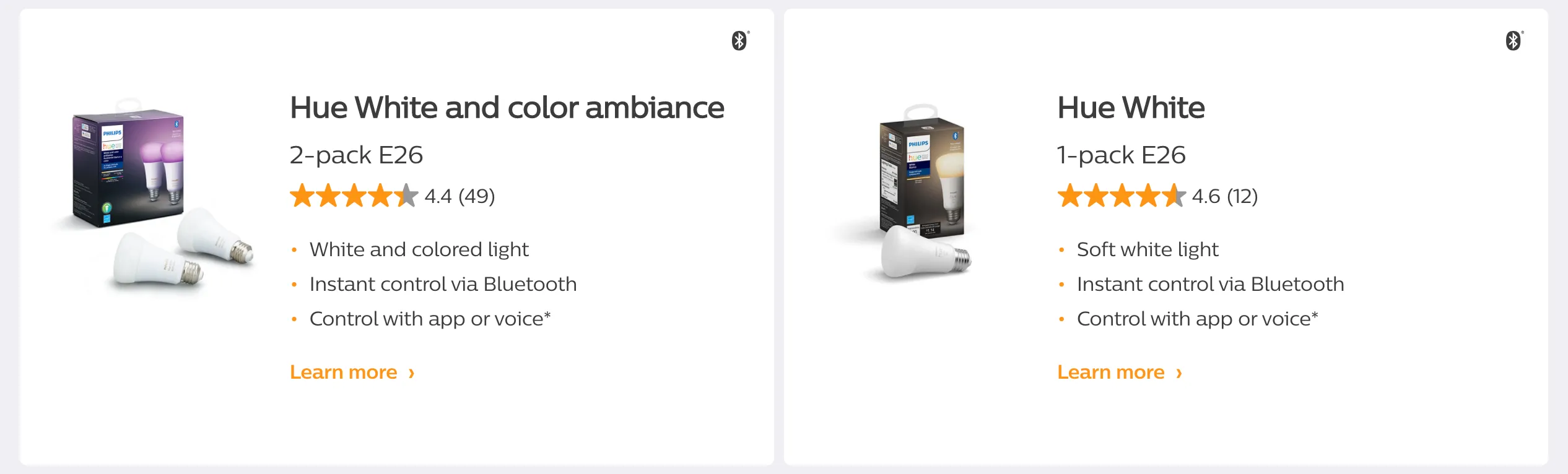
Both are still smart lights, and both offer a range of functions. Just the colors of the light can’t be personalized for the Hue White bulbs.
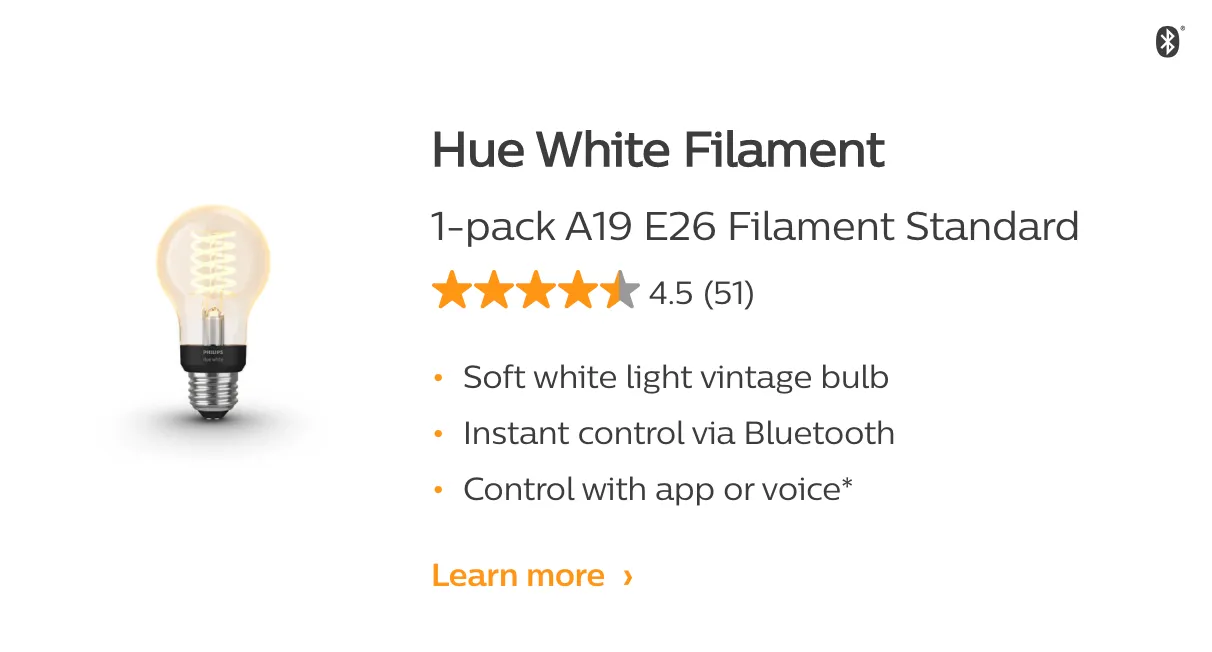
You can also choose some vintage bulbs, like this one:
Or some smaller “candle” bulbs, like these:
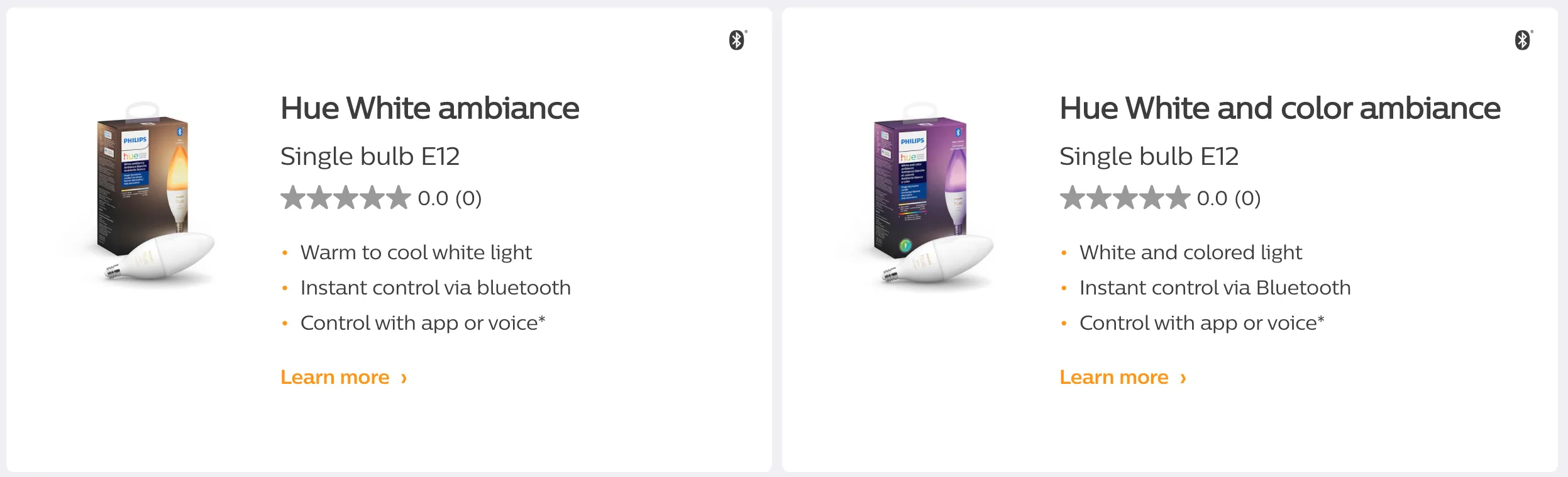
These are just the most common bulbs to give you an example of the variety of products that you can find. You can go to the product overview page and check out all the different lights they have to offer. The options are endless!
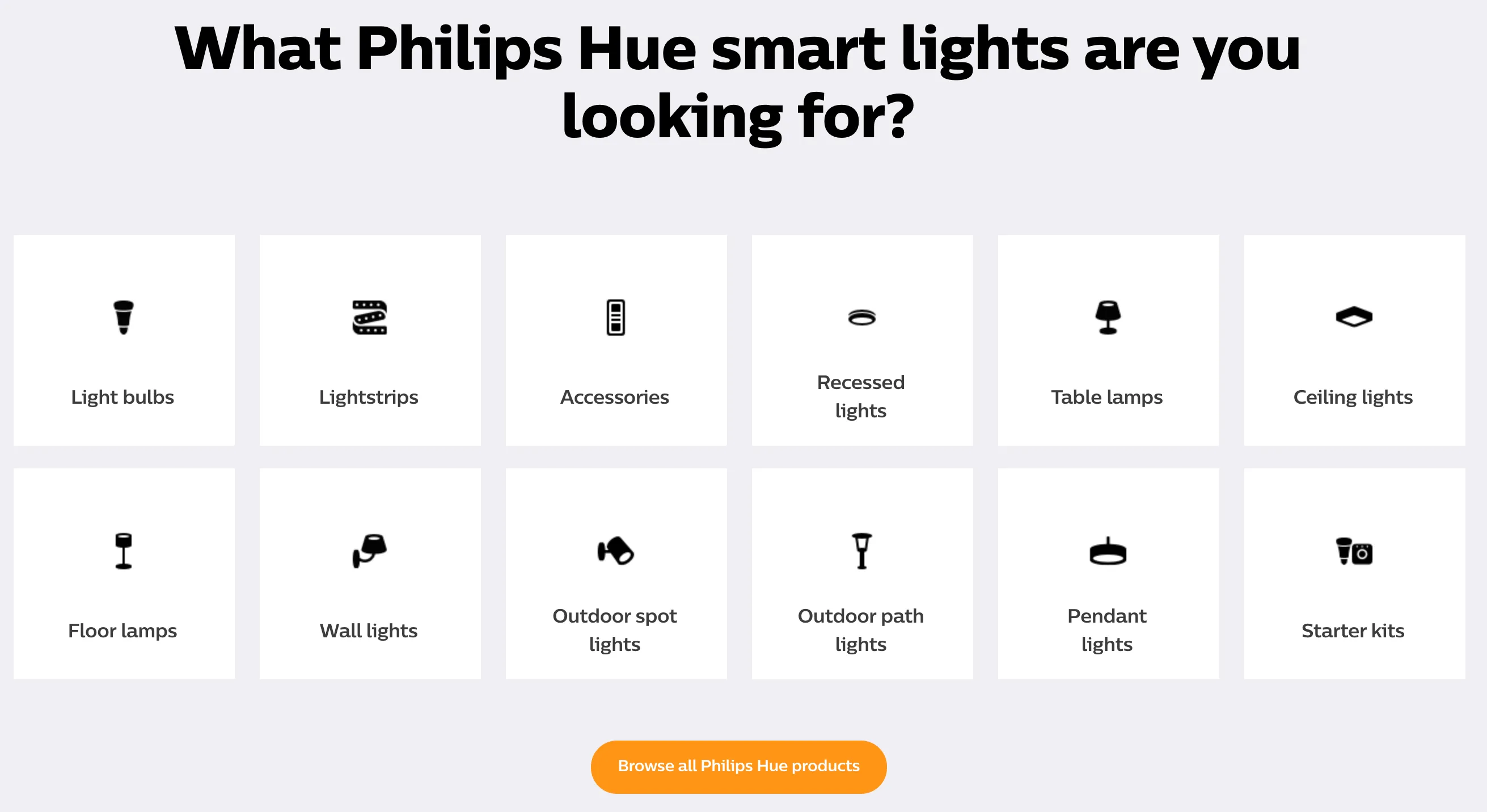
As you can see, you can buy just the bulbs, or you can also choose between different lamps or outdoor lightings.
My favorite is, by far, the lightstrips.
Lightstrips
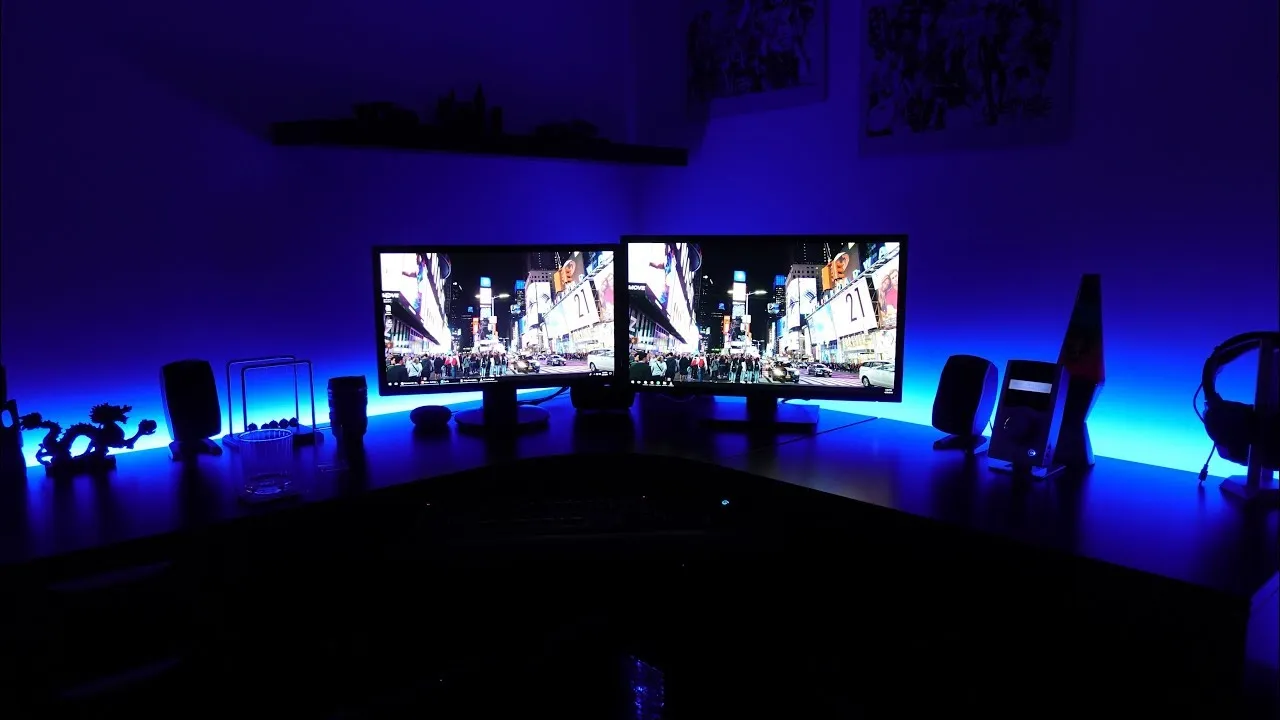
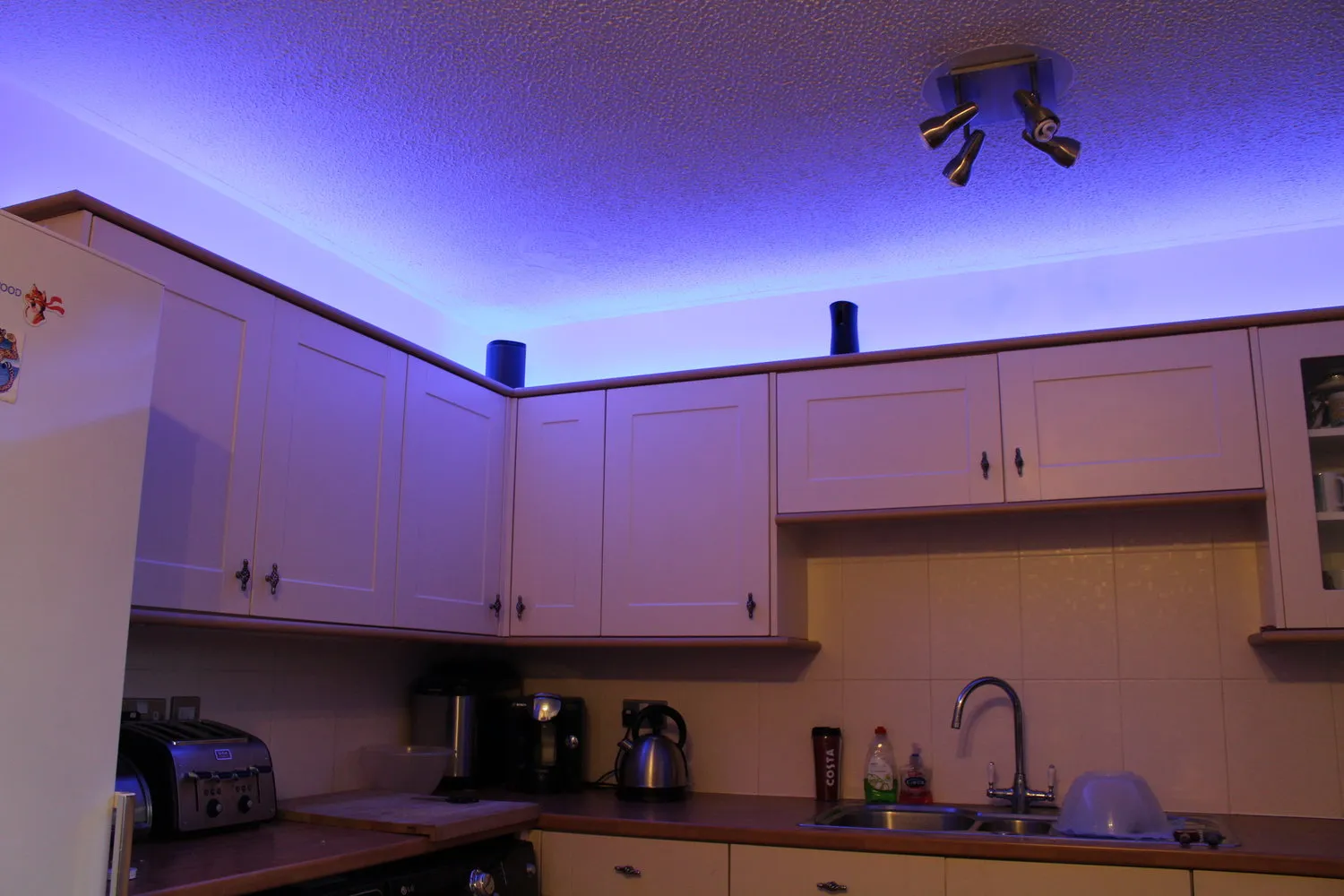
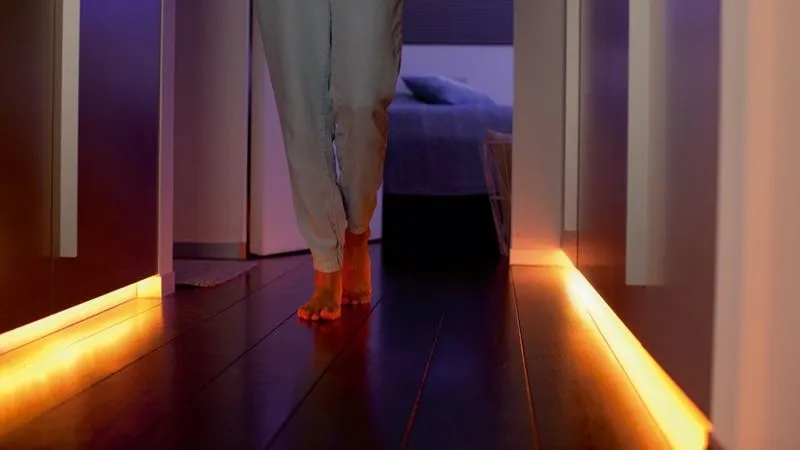
Lightstrips have some adhesive on the back, so you can paste them wherever you want! Check out these COOL examples from the internet:
Behind your desk
Over furniture / near the ceiling
Light-up the halls!
You can also use them behind the couch/furniture, behind a TV/screen, under the stairs, or under the table. You choose!
Accessories
So what are these accessories? There are some smart switches that you can program from a mobile application to do different things - turn several lights on/off, dim the lights, choose different colors. You can do all these directly from the Hue app, but some people prefer to touch a switch. :)
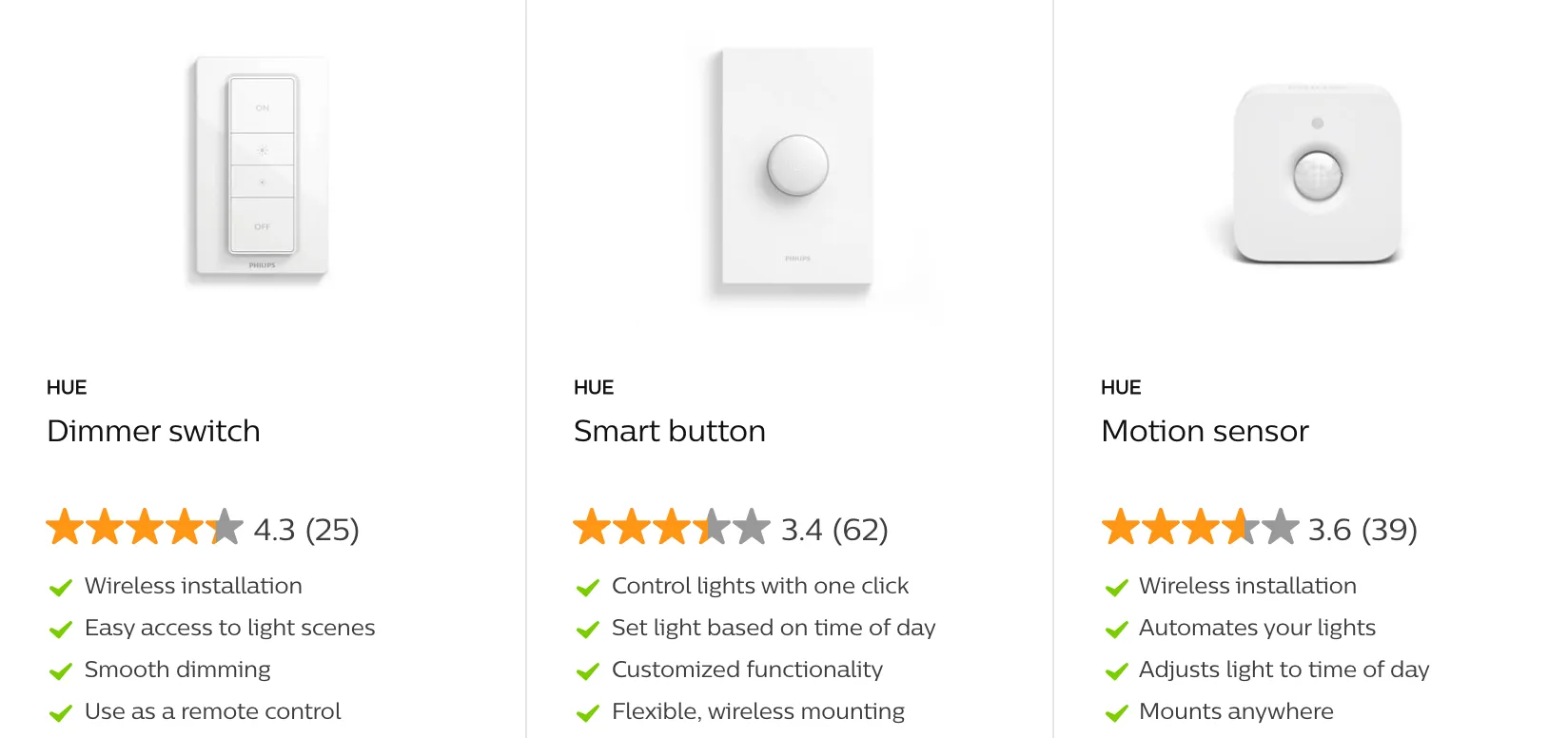
There are also smart plugs, cable extensions, power supplies, and more.
But wait! Don’t buy anything just yet, you still need to learn about some very important things.
Connecting over Wi-Fi - Philips Hue Bridge
All these lights can be used over Bluetooth, and for that, you only need your smartphone. But honestly, why use only Bluetooth when you can connect everything to the internet? If you connect your lights to your Wi-Fi, you can even turn on/off your lights when you’re away on vacation!
But to do this, you need to make an additional purchase: the Philips Hue Bridge.
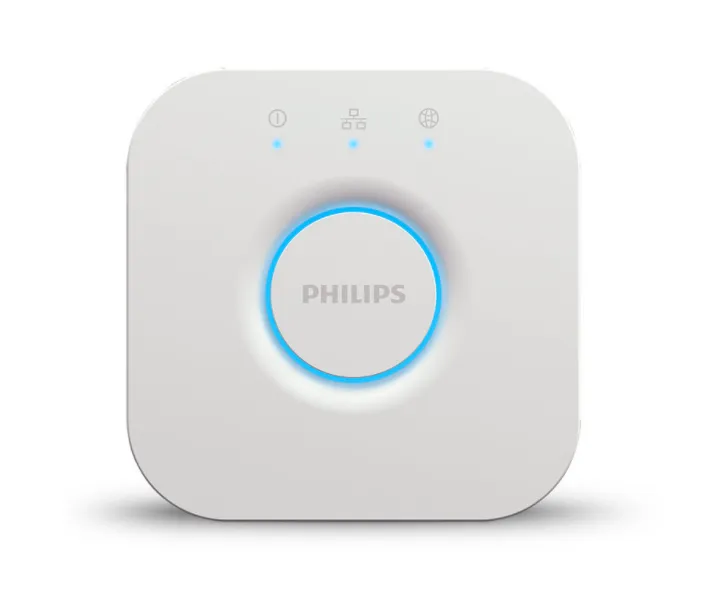
“The brains of the Philips Hue smart lighting system, the Hue Bridge allows you to connect and control up to 50 lights and accessories.”
With this little box, you’ll be able to control up to 50 lights/bulbs/lamps and accessories. But you need to know this: you need to connect your Bridge directly to your modem using an Ethernet cable. You can’t just connect the Bridge to the Wi-Fi directly. Once the Bridge is connected with the Ethernet cable, then you can use all your products over Wi-Fi.
Sneaky marketing…
So, if your modem is not accessible to you for any reason, you may want to think twice before committing to Philips Hue.
Here’s a quick video to get you started with your first Philips Hue Bridge installation and to get it connected to your modem: Signify - How to install a Philips Hue starter kit with Jonathan Morrison.
You can opt to buy the Bridge alone or choose one of the Starter Kits, which will provide you with the Bridge, plus some lights or switches.
My favorite part - syncing your lights to your screen
This is my absolute favorite thing about Philips Hue. You can sync the color of the lights in a given room based on whatever colors are on the screen. This gives you an immersive experience, especially when playing video games or watching movies!
However… To be able to sync your lights to your screen, it is only free when using a PC/laptop through the Hue Sync app, which is compatible with both a Mac OS and Windows. If you want to do the same with a regular TV, you’ll need a Play HDMI Sync Box.
I’ll end this post by providing this amazing video, so you can see this beautiful functionality in action (the more lights you use, the more detailed colors you’ll get):
I hope this post was useful to help you choose your next smart lights.
Let me know if you set them up!
Prost!
-Alex
Links
FAQs
Frequently asked questions about this post.
-
What is the difference between a regular light bulb and a smart bulb?
The main difference is control: a regular bulb can only be turned on and off with a wall switch, while a smart bulb can be turned on and off with a variety of smart switches, a mobile app, a voice command, or even a synced schedule. Smart bulbs can also be dimmed and have their colors and tones changed.
-
What is the difference between Philips Hue "white and color ambiance" bulbs and "white" bulbs?
A "white and color ambiance" bulb can change into different colors or tones, while a "white" (Hue White) bulb is just a white light that can still be dimmed but whose color can't be personalized. Both are still smart lights and both offer a range of functions, so check this small detail when researching before you buy.
-
Do I need a Philips Hue Bridge, or can I just use Wi-Fi?
The lights can be used over Bluetooth with only your smartphone, but to connect everything to the internet and control your lights even while away on vacation you need to buy the Philips Hue Bridge. The Bridge lets you connect and control up to 50 lights and accessories, and importantly you must connect it directly to your modem with an Ethernet cable first; you can't connect the Bridge to Wi-Fi directly, and only then can you use all your products over Wi-Fi. If your modem isn't accessible to you, you may want to think twice before committing to Philips Hue.
-
How do I sync my Philips Hue lights to my screen?
You can sync the color of the lights in a room to whatever colors are on your screen for an immersive experience while gaming or watching movies. It's only free when using a PC or laptop through the Hue Sync app (compatible with both macOS and Windows), and to do the same with a regular TV you'll need a Play HDMI Sync Box.
-
Where can I see all the Philips Hue light types and accessories available?
You can buy just the bulbs or choose between different lamps and outdoor lightings, plus accessories like smart switches, smart plugs, cable extensions, and power supplies. The post points you to the Philips Hue product overview page at https://www.philips-hue.com/en-us/product-overview to check out all the different lights they offer.