
ACB deploys your app with the local port instead of 8092? Your properties are resolved at build time
Deploy to CloudHub from Anypoint Code Builder and the listener uses your local ${https.private.port} instead of 8092? ACB bakes the placeholder in at build time against your local config. Force a fresh parse with -Dmule.deployment.forceParseConfigXmls=true.
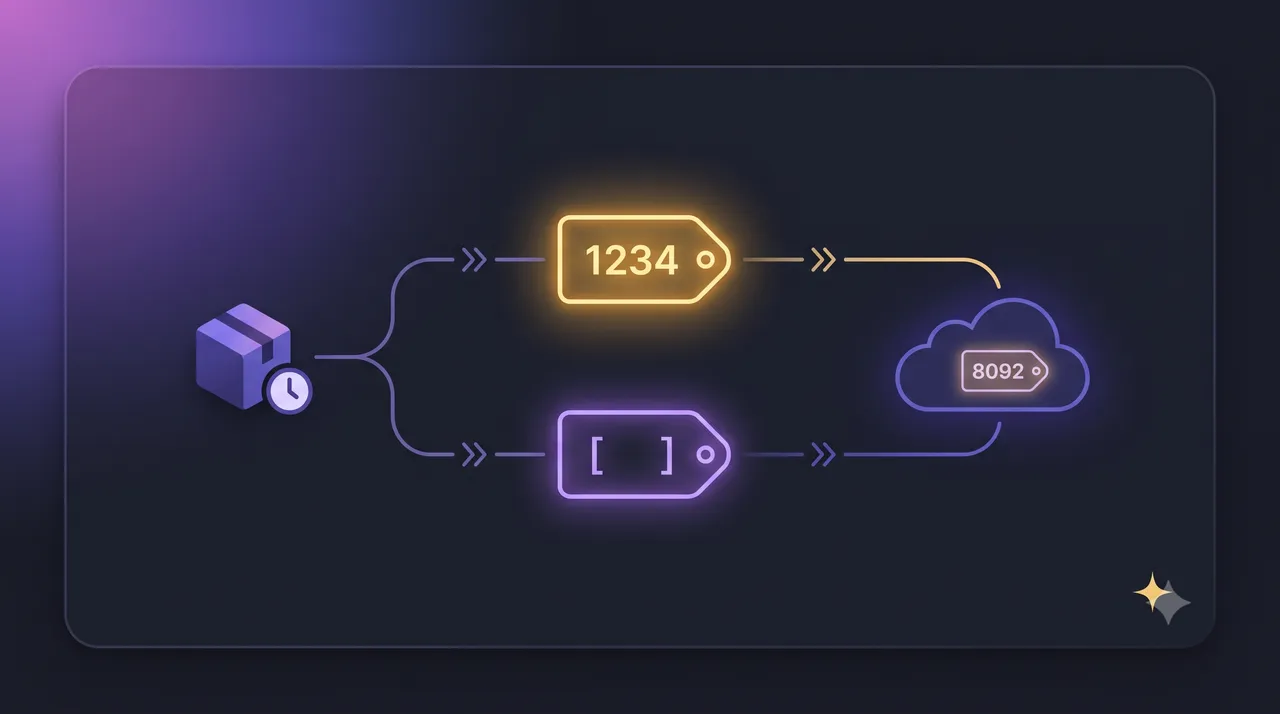
Another one from the MuleSoft Community Slack workspace, and this is a great example of a bug that looks like an environment/config problem but is really a timing problem: when your properties get resolved.
The setup: someone uses ${https.private.port} for their HTTP listener port so that each environment
can decide it. Locally they set https.private.port=1234. In PROD they deliberately leave it out of
the config so CloudHub assigns the reserved internal port 8092 automatically. mule.env=PROD is
passed on deploy. Straightforward, and it’s exactly how per-environment properties are supposed to
work.
The problem: deploy the same app from Anypoint Studio and it comes up on 8092 as expected.
Deploy it from Anypoint Code Builder (ACB) and it comes up on 1234, the local value, in
CloudHub. Same code, same mule.env=PROD, two different results.
TL;DR
ACB resolves ${https.private.port} at build time, against your local config, and bakes
1234 into the packaged artifact. CloudHub then never re-resolves it in PROD, so it never falls
through to 8092.
Anypoint Studio doesn’t hit this because it sets a runtime argument that forces a fresh parse of the config XMLs at deploy time. Add the same argument to ACB:
-Dmule.deployment.forceParseConfigXmls=truePut it in ACB Settings under Mule > Runtime: Default Arguments. Redeploy, and the listener
comes up on 8092 in PROD. It’s environment-agnostic, so you never have to touch it when switching
between TEST and PROD.
Tip
New to runtime arguments in ACB? I walk through exactly where that setting lives in How to add JVM/Command-line arguments to the Mule 4 Runtime in Anypoint Code Builder (ACB).
The symptom
The tell is that the value being used is your local one, in a remote environment:
- Deploy from Studio → the listener binds to 8092 in CloudHub. Correct.
- Deploy from ACB → the listener binds to 1234 in CloudHub, even though PROD has no
https.private.portdefined andmule.env=PRODis set. - The PROD config file genuinely has no
https.private.port, on purpose, so CloudHub can assign the reserved internal port itself.
Because 1234 only exists in the local properties file, seeing it show up on a CloudHub worker is
the whole clue. Something resolved that placeholder while your local config was still the active one.
The red herring: “it’s ignoring mule.env”
The natural first theory is that ACB isn’t passing mule.env=PROD to the runtime, so it loads the
local config in CloudHub. That’s a reasonable guess, and it’s almost right, but not quite.
The environment isn’t being ignored at runtime. The issue is that the property was already resolved
before the app ever reached CloudHub. By the time the runtime in PROD looks at the listener, the
port isn’t a ${...} placeholder anymore. It’s a literal 1234 that got frozen into the artifact
during packaging.
So chasing “how do I make ACB pass mule.env to CloudHub” sends you down the wrong path, because the runtime environment was never the problem. The build environment was.
The actual cause: properties resolved at build time
When ACB packages your app, it serializes a parsed application model as part of the artifact. This is an optimization, so the runtime doesn’t have to re-parse every config XML on startup. The catch is when the placeholders in that model get resolved: during packaging, against whatever configuration is active locally.
Locally, that’s your local properties file, the one with https.private.port=1234. So the placeholder
resolves to 1234 right there on your machine, and that literal value travels inside the artifact all
the way to CloudHub. In PROD, the runtime uses the pre-parsed model, sees 1234 already sitting there,
and never re-resolves anything, so the platform-assigned 8092 never gets a chance to apply.
That also explains why leaving https.private.port undefined in PROD looks fine but doesn’t help:
the runtime isn’t reading your PROD config for that value at all. It’s reading a decision your local
machine already made.
Why Anypoint Studio gets it right
Here’s the part that makes it click. Studio sets this in its default runtime arguments, out of the box:
-Dmule.deployment.forceParseConfigXmls=trueThat flag tells the runtime to re-parse the configuration XMLs at deployment time rather than
trusting a pre-parsed model. With it on, ${https.private.port} stays a real placeholder until it’s
resolved in the target environment, so in PROD it resolves against the PROD config, finds nothing,
and correctly falls through to the platform’s 8092.
ACB doesn’t set that argument by default. Same code, same mule.env, but one tool defers property
resolution to deploy time and the other doesn’t. That single default is the entire difference.
Tip
If you ever see a local value show up in a remote environment, suspect build-time resolution before you suspect the remote config. The give-away is that the value can only have come from a file that isn’t deployed to that environment.
The fix
Add the same argument to ACB so it re-parses the config at deploy time:
-
Open ACB Settings.
-
Find the
Mule > Runtime: Default Argumentssection. -
Add:
-Dmule.deployment.forceParseConfigXmls=true -
Redeploy.
Now ${https.private.port} is resolved in the target environment. In PROD it’s undefined, so CloudHub
assigns 8092. Locally it’s 1234. Each environment decides its own port again, which was the whole
point of using the placeholder.
The nice thing about this fix is that it’s environment-agnostic. It doesn’t pin the app to PROD, so you can deploy to TEST or PROD without editing anything.
The other fix that works (and its catch)
While troubleshooting, another approach also worked: adding mule.env=PROD as a property in
mule-artifact.json and deploying. That fixes it for a subtly different reason. It makes the PROD
config active at build time, so when ACB resolves placeholders during packaging, https.private.port
is already undefined and never gets frozen to 1234. The value stays open and CloudHub assigns 8092.
The catch is right there in how it works: it hardcodes the environment into the artifact. If you
also deploy to TEST, you’d have to change mule.env in mule-artifact.json every time, which is
exactly the manual juggling you were trying to avoid by using per-environment properties.
Note
Both fixes converge on the same root cause, premature property resolution during ACB’s build. One
defers resolution to deploy time (forceParseConfigXmls), the other makes the build resolve against
the right config (mule.env in mule-artifact.json). Prefer forceParseConfigXmls if you want a
single build that deploys anywhere.
Quick recap
- If a CloudHub app deployed from ACB uses a value that only exists in your local properties file, the placeholder was resolved at build time, not at deploy time.
- ACB serializes a pre-parsed application model during packaging and resolves
${...}placeholders against your local config, baking the local value into the artifact. - Anypoint Studio avoids this because it sets
-Dmule.deployment.forceParseConfigXmls=trueby default, forcing a fresh parse at deploy time. - Add that same argument to ACB under
Mule > Runtime: Default Arguments. It’s environment-agnostic, so one build deploys to any environment and each resolves its own properties. - Setting
mule.envinmule-artifact.jsonalso works, but it hardcodes the environment into the artifact, so you’d have to change it per deploy.
I hope this was helpful.
💬 Prost! 🍻
FAQs
Frequently asked questions about this post.
-
Why does my app use the local port instead of 8092 when I deploy from Anypoint Code Builder?
Because the
${https.private.port}placeholder is being resolved at build time, not at deploy time. When ACB packages your app it serializes a parsed application model, and the property gets resolved against whatever config is active locally, where you sethttps.private.port=1234. That value is baked into the artifact, so CloudHub never re-resolves it to the reserved internal port 8092 in the PROD environment. Anypoint Studio doesn't hit this because it forces a fresh parse of the config XMLs at deploy time. -
What does -Dmule.deployment.forceParseConfigXmls=true actually do?
It tells the Mule runtime to re-parse the application's configuration XML files at deployment time instead of relying on a pre-parsed application model that may have been generated in a different environment. With it on, property placeholders like
${https.private.port}are resolved fresh in the target environment (PROD on CloudHub), so an unset property correctly falls through to the platform-assigned value 8092 instead of the local 1234. -
Why does the same app work when I deploy from Anypoint Studio?
Anypoint Studio sets
-Dmule.deployment.forceParseConfigXmls=truein its default runtime arguments out of the box, so it always re-parses the config XMLs at deploy time. That's why the placeholder resolves correctly in the target environment from Studio and not from ACB, even with the exact same code and the samemule.env=PROD. -
Where do I add mule.deployment.forceParseConfigXmls in Anypoint Code Builder?
Open ACB Settings and add
-Dmule.deployment.forceParseConfigXmls=trueunder theMule > Runtime: Default Argumentssection. It applies to every deploy regardless of target environment, so you don't have to edit it when you switch between TEST and PROD. -
Isn't putting mule.env in mule-artifact.json a simpler fix?
It works, but for a different reason and with a catch. Setting
mule.env=PRODinmule-artifact.jsonmakes the PROD config active at build time, so thehttps.private.portplaceholder never gets resolved to the local1234in the first place. The downside is that it hardcodes the environment into the artifact, so you'd have to change it every time you deploy to TEST versus PROD. TheforceParseConfigXmlsflag avoids that because it doesn't pin the environment, it just defers resolution to deploy time.